An active night in Seoul usually starts at the river. Once the working day ends, the paths along the Han fill with runners and riders, and the city offers plenty of indoor options too: batting cages, bowling lanes, climbing gyms and park courts where people play badminton under the lamps. With a little planning around lights, water and the trip home, an evening in the city can be as much about moving as about eating out.
Why the evening suits exercise in Seoul
Summer afternoons in Seoul can be hot and humid, and winter days are short. That pushes a lot of casual exercise into the hours after sunset, when the air is often more comfortable and the riverside parks are lit. Many residents treat a short run or ride as the way they switch off from work, and visitors who join in get to see the city from an angle that tour itineraries tend to skip: bridges lit up over dark water, apartment blocks glowing along both banks, and groups of friends stretching beside the path.
Running along the river
The riverside parks run for long stretches on both banks, with separate lanes for people on foot and on bikes in most sections. A night run here is mostly flat, which makes it easy to keep a steady pace or to try a longer distance than usual. A few habits make it more pleasant:
- Stay in the walking lane. Bikes come through quickly in the evening, and drifting across the line is the most common cause of near misses.
- Pick a turnaround point before you set off. Bridges make handy markers, and they help you judge how far you are from a subway exit.
- Wear something light-coloured or reflective. The paths are lit, but not evenly; some stretches between parks are dim.
- Carry a little cash or a transit card. Convenience stores near the parks sell water and snacks if you underestimate the distance.
Night cycling: lights, reflectors and a calm pace
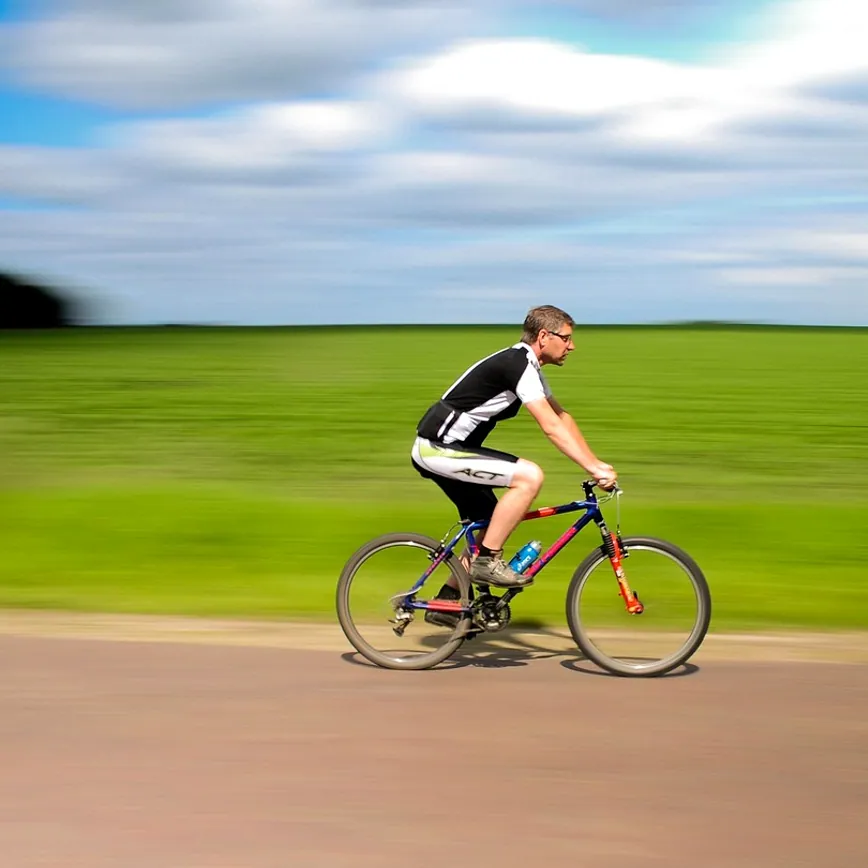
Seoul's riverside bike paths are one of the easiest ways to cover a lot of the city in a single evening. Public bike hire stations are common near parks and subway stations, so you do not need to bring your own. What you do need is to be seen. A white front light and a red rear light are the minimum, and a reflective band on an ankle or a vest helps drivers and other riders notice you where the path meets the road.
A helmet that fits properly matters more at night, when depth perception drops and it is harder to spot a pothole or a kerb. If you are unsure how yours should sit, our guide on choosing and fitting a bike helmet covers the checks. Riders who are new to city traffic will also find the basics of lane position and signalling in our tips for beginner bike commuters, and most of them apply to riding in Seoul as well.
Keep the speed moderate on shared stretches. Groups of walkers, people with dogs and children on scooters all use the paths in the evening, and a bell used early is friendlier than a sudden brake.
Indoor options when the weather turns
Rain, cold snaps and the occasional poor-air day are part of life in Seoul, and the city has plenty of indoor places to stay active when the river is not appealing.
| Activity | What to expect | Good for |
|---|
| Batting cages | Coin- or card-operated machines with several pitch speeds, often open late | A quick burst of effort with friends |
| Bowling | Lanes in entertainment buildings and malls, shoes provided | Mixed groups and low-pressure competition |
| Climbing gyms | Mostly bouldering walls with mats, beginner routes marked by colour | Strength, balance and problem-solving |
| Badminton | Outdoor courts in parks and indoor halls in community sports centres | Light cardio and a casual game for two or four |
Climbing gyms usually ask first-timers to watch a short safety briefing on falling and spotting. Take it seriously, warm up your fingers and shoulders, and stop if anything feels strained. Anyone with a joint or heart condition should check with a doctor before taking up a new high-effort activity.
Cooling down with a song
Plenty of groups end an active night in a noraebang, the coin or hourly karaoke rooms found on almost every busy street. It sounds like a strange cool-down, but a private room with a sofa, a song list and a microphone is a relaxed way to let the heart rate settle while still keeping the group together. Anyone looking for rooms in the south of the city can browse Gangnam Karaoke Seoul for an overview of how karaoke visits in Gangnam work before choosing where to go. Most rooms sell soft drinks and snacks, which is useful after a workout, and if anyone in the group orders a beer, keep it to one or two and leave the bikes locked up for the night.
Hydration and recovery
Evening sessions are easy to underestimate because the air feels cooler. Drink water before you head out, carry a bottle on longer runs or rides, and have something to eat afterwards, even if it is just a snack from a convenience store. Seoul's late-opening food stalls and restaurants make a post-exercise meal easy to find. Stretching for a few minutes before you sit down on the subway helps your legs feel better the next morning.
Common questions
Is it safe to run or cycle along the river at night?
The riverside parks are well used in the evening and generally feel safe, but the usual city sense applies: stay on lit paths, keep your phone charged, and tell someone your route if you are going out alone.
How do I get home after a late session?
Check the time of the last subway train on your line before you set off, as service stops around midnight. Taxis are easy to hail or call through an app. If you rented a public bike, return it to a dock rather than riding tired through traffic.
Can visitors join group runs or games?
Some running crews and badminton groups welcome newcomers, often organised through social apps or community notice boards. If you prefer to go alone, the river paths are simple to follow without a guide.
Seoul rewards people who stay curious after dark. Pick one activity for your first evening, plan the route home, pack a light and some water, and let the night build from there.